Download MirrorDroid for Mac
Your Android phone, on your Mac. No setup.
Download for MacVersion 1.0.0 · 14.5 MB · Apple Silicon
Requirements
- macOS 14 Sonoma or later
- Apple Silicon (M1 or newer)
- An Android phone or tablet with Android 5.0 or later
- A USB data cable for the first connection
Install in three steps
- 1Download and openDrag MirrorDroid into Applications. It already contains everything it needs.
- 2Plug in your phoneConnect it with a USB cable. The guide shows how to turn on USB debugging for your phone's brand.
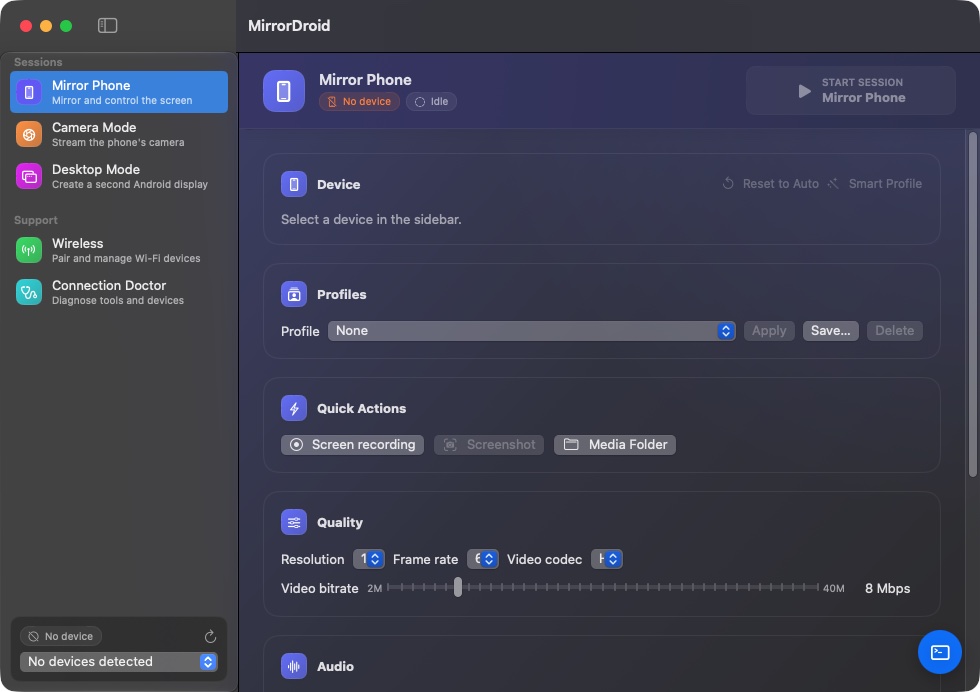
- 3Use it from your MacThe phone's screen appears in a Mac window. Click, scroll and type as if it were a Mac app.
Opening it the first time
This early build isn't notarized by Apple yet, so macOS blocks it the first time. Open it once, then go to System Settings → Privacy & Security and choose Open Anyway. After that it opens normally.
SHA-256: 269ae581c1dc614bb73af43b381bae00d755e0cbd0112e1ff352219f5b8920c8