 Free download for Mac
ZaynCleaner
Give your Mac room to breathe.
ZaynCleaner finds caches, leftovers and forgotten files, shows you exactly what it found, and cleans only what you approve. It also has a live disk map, a complete app uninstaller and a system monitor, all in one native Mac app.
Clean
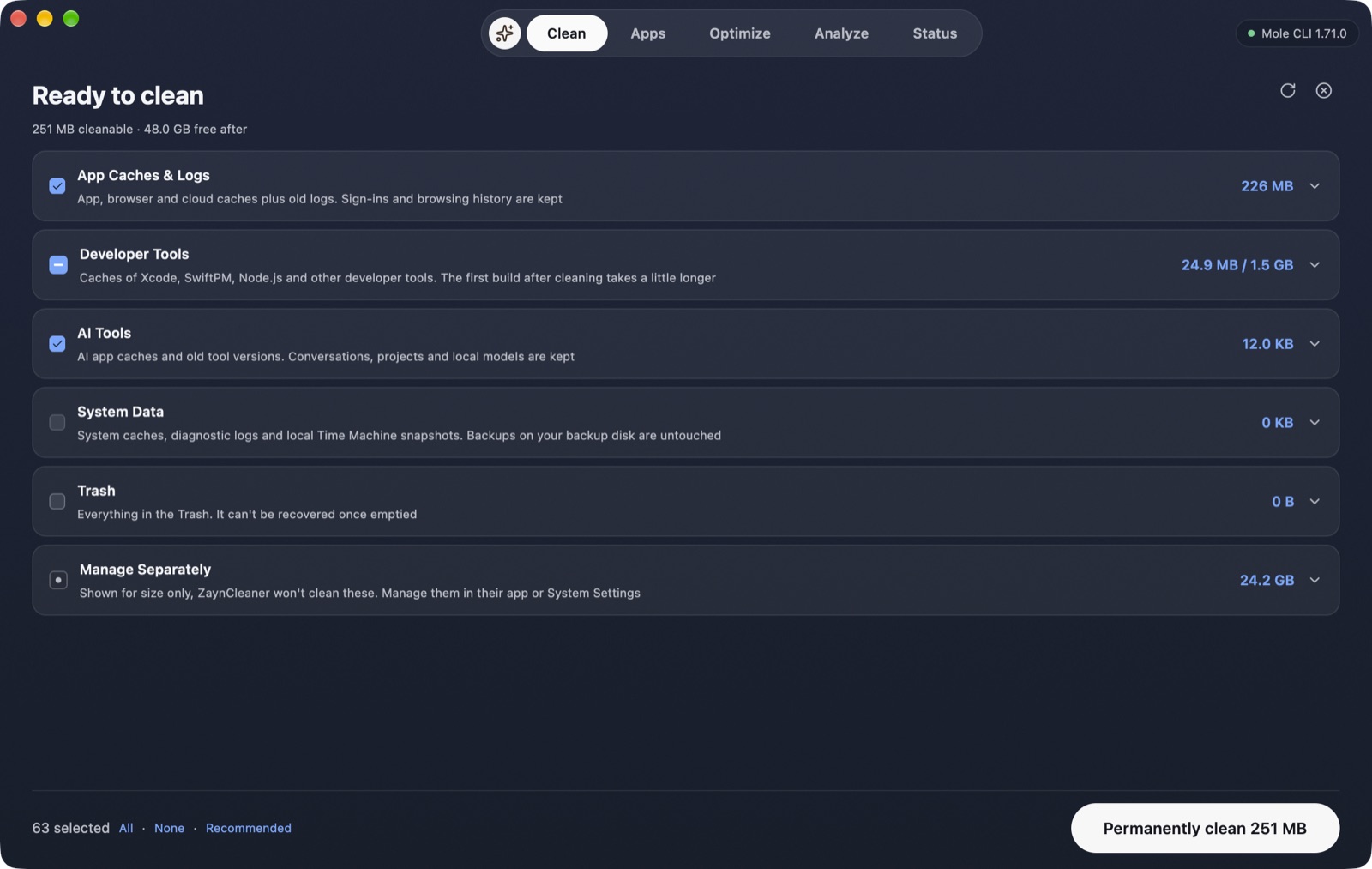
Find gigabytes of junk, then review before anything goes.
One scan looks through app and browser caches, developer tool leftovers, AI tool caches, logs, local Time Machine snapshots and the Trash. Every item is listed with its size, so you decide what goes.
- Recommended items are pre-selected and the rest stays opt-in
- Large folders you manage yourself, such as VMs, Docker, simulators and backups, are shown for size only
- Apps holding a cache open are named, with one-click Quit
Analyze
See what fills your disk, instantly.
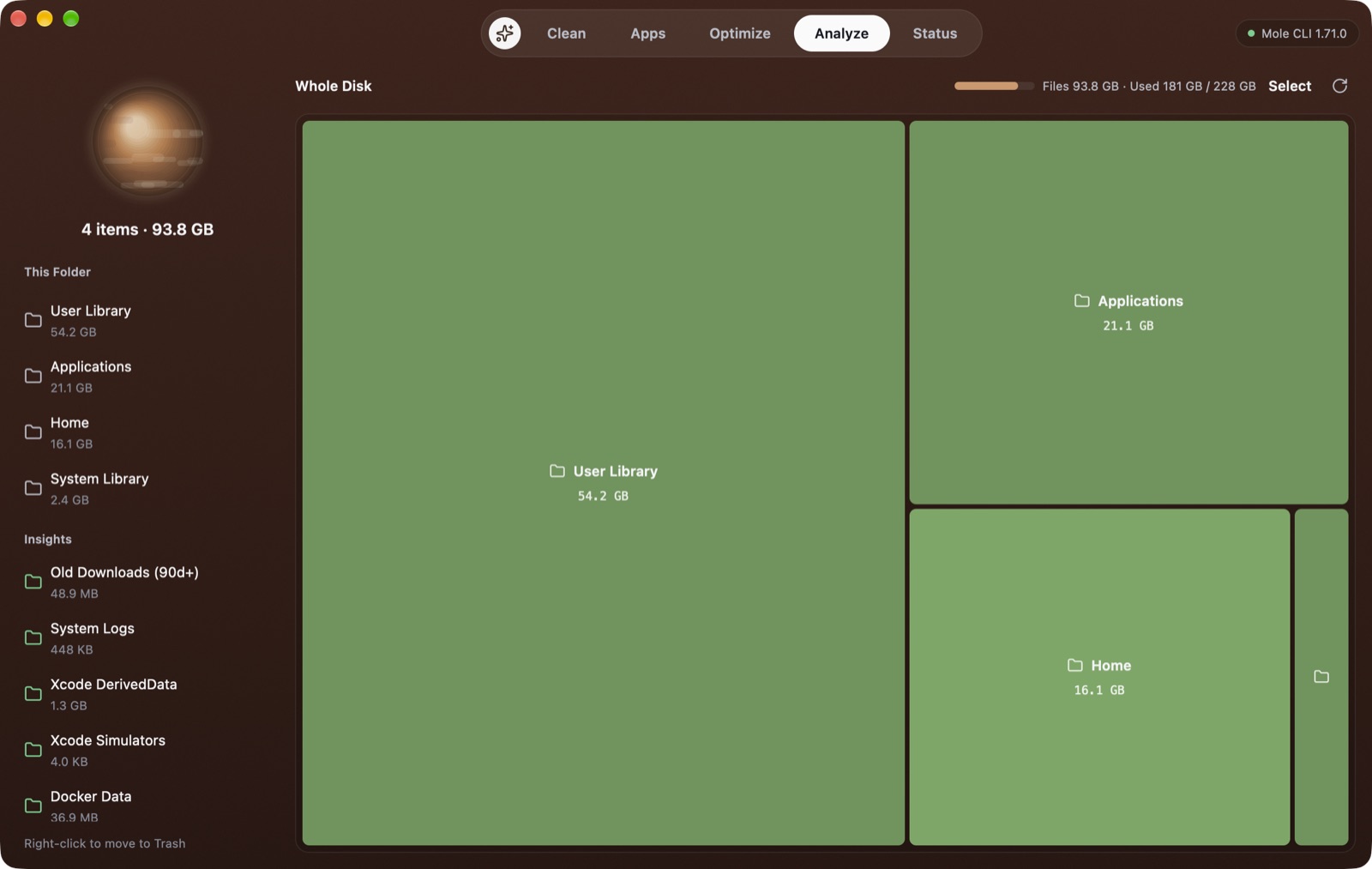
A live treemap shows folders the moment you open it, and sizes keep growing while a parallel scanner measures in the background. Click to drill in, and move anything to the Trash from the right-click menu.
- Folders appear in milliseconds, with no waiting for a full scan
- Insights for old Downloads, Xcode DerivedData, simulators and Docker
- Copy Path, Reveal in Finder or Move to Trash on any tile
Optimize
Tune-ups that explain themselves.
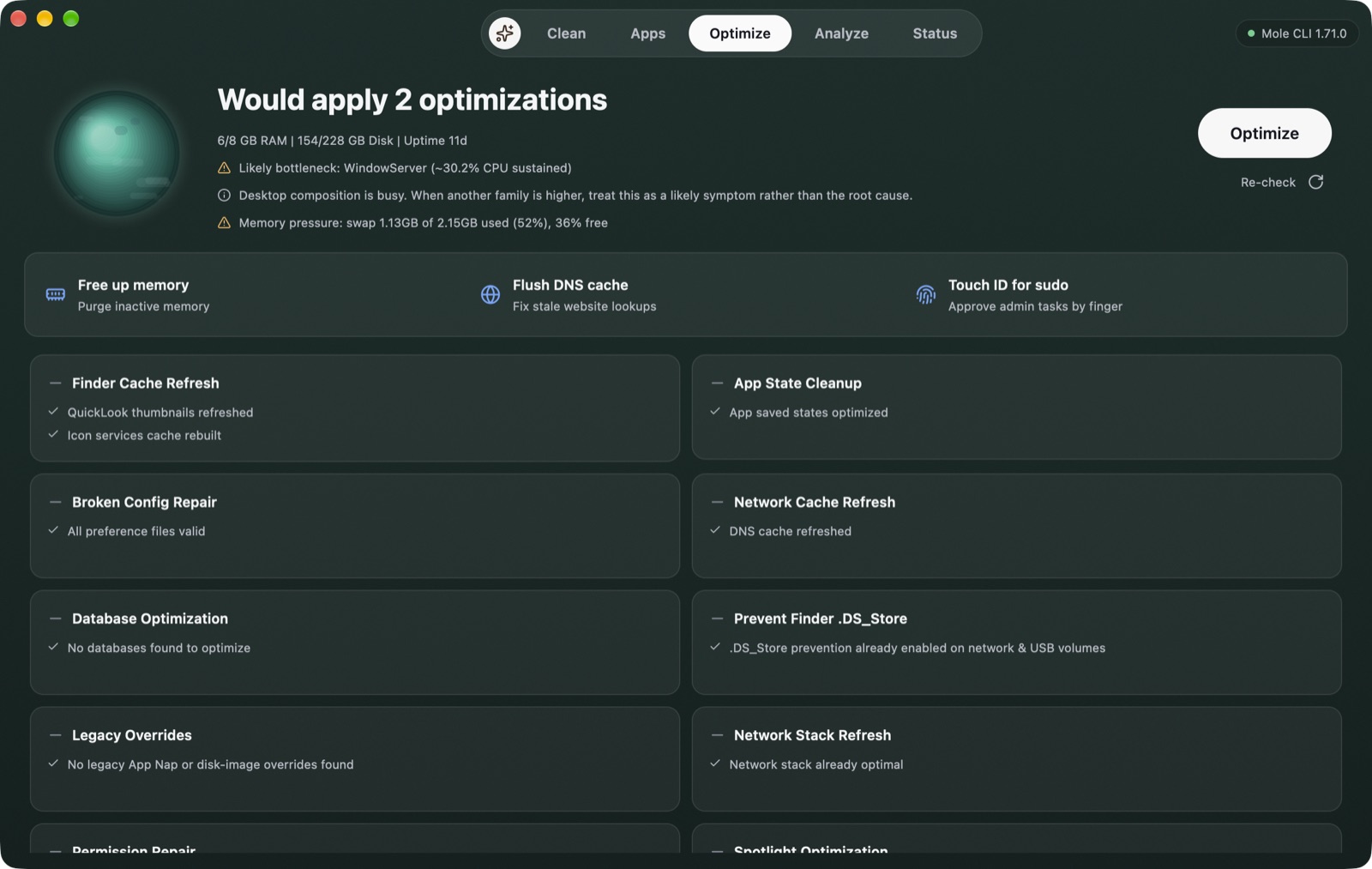
ZaynCleaner checks your Mac and tells you what it would change before it does anything: refreshing Finder and network caches, repairing broken preference files and more.
- A plain-language note on memory pressure and busy processes
- One-click memory purge, DNS flush and Touch ID for sudo
- Admin tasks run visibly in Terminal, never silently
Everything in the box
Uninstall apps completely
Remove an app together with its caches, preferences and support files. Sort by size, last opened or install date.
Up and running in a minute
Download and open
Drag ZaynCleaner into Applications. Everything it needs is inside the app, so there's nothing else to install.
Scan
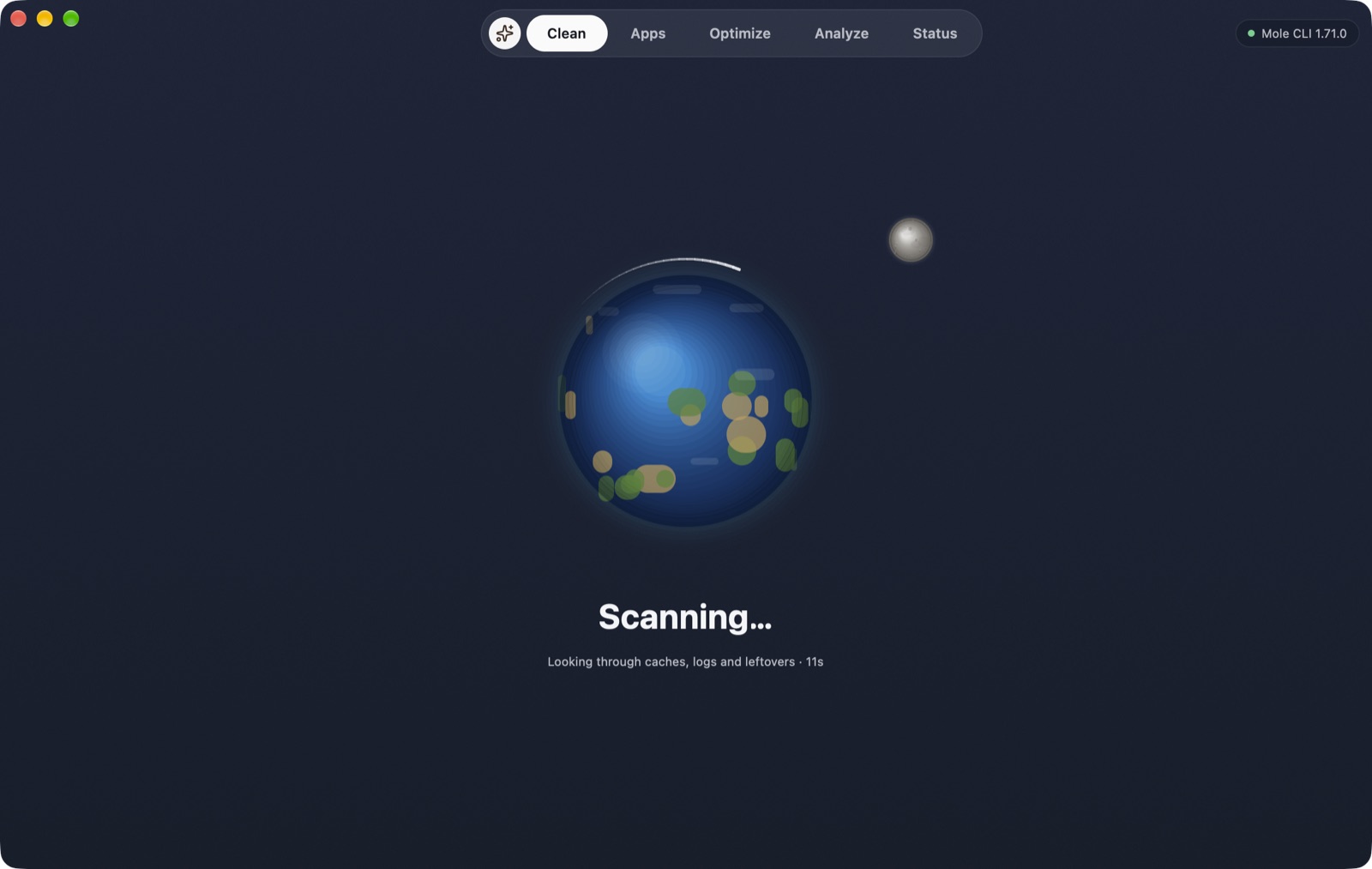
Press Scan. A planet spins while ZaynCleaner measures caches, leftovers and large folders.
Review and clean
Untick anything you want to keep, then clean. Only items the scan found, and that pass the safety check, are removed.
What it will never do
- Nothing is removed until you review it and press Clean
- Each path is checked again right before removal; top-level system folders and your home folder are always refused
- Uninstalled apps and files removed in Analyze go to the Trash
- No account, no ads, no analytics in the app
- Scans and file lists never leave your Mac
- Admin tasks happen in a Terminal window you can see
Requirements
- macOS 12 Monterey or later
- Apple Silicon (M1 or newer)
- About 60 MB of space
- Full Disk Access is optional, for complete scans
Version 1.0.0 · 23.4 MB · Apple Silicon
Opening it the first time
This early build isn't notarized by Apple yet, so macOS blocks it the first time. Open it once, then go to System Settings → Privacy & Security and choose Open Anyway. After that it opens normally.
SHA-256: a951c8b580966c01276f59e8f0e90697bc9f2d76a608bf66714339aab2e92140
Questions
Is ZaynCleaner free?
Yes. It's free to download and use, with no account and no in-app purchases.
Can it delete something important?
It only removes items its scan found and you left selected. Each path is checked again right before removal, and top-level system folders and your home folder are always refused. Uninstalls and Analyze deletions go to the Trash, so you can put them back.
Does it send my data anywhere?
No. Scanning, cleaning and analysis run entirely on your Mac. It only goes online for things you start yourself, like the speed test or checking for updates.
Why do some actions open Terminal?
Tasks that need administrator rights run in a visible Terminal window, so you can see what happens and approve it with your password or Touch ID.
How is it related to Mole?
ZaynCleaner uses the open-source Mole command-line tool (GPL-3.0) as its cleaning engine and bundles it unmodified, source included. The app, interface, disk scanner and monitoring are ZaynStack's own. It isn't affiliated with the Mole project.
ZaynCleaner bundles the open-source Mole CLI (GPL-3.0) by tw93, unmodified, with its full source inside the app. ZaynCleaner is an independent app and is not affiliated with or endorsed by the Mole project. Cache files are removed permanently, so keep regular backups.