
Download ZaynCleaner for Mac
Give your Mac room to breathe.
Download for MacVersion 1.0.0 · 23.4 MB · Apple Silicon
Requirements
- macOS 12 Monterey or later
- Apple Silicon (M1 or newer)
- About 60 MB of space
- Full Disk Access is optional, for complete scans
Install in three steps
- 1Download and openDrag ZaynCleaner into Applications. Everything it needs is inside the app, so there's nothing else to install.
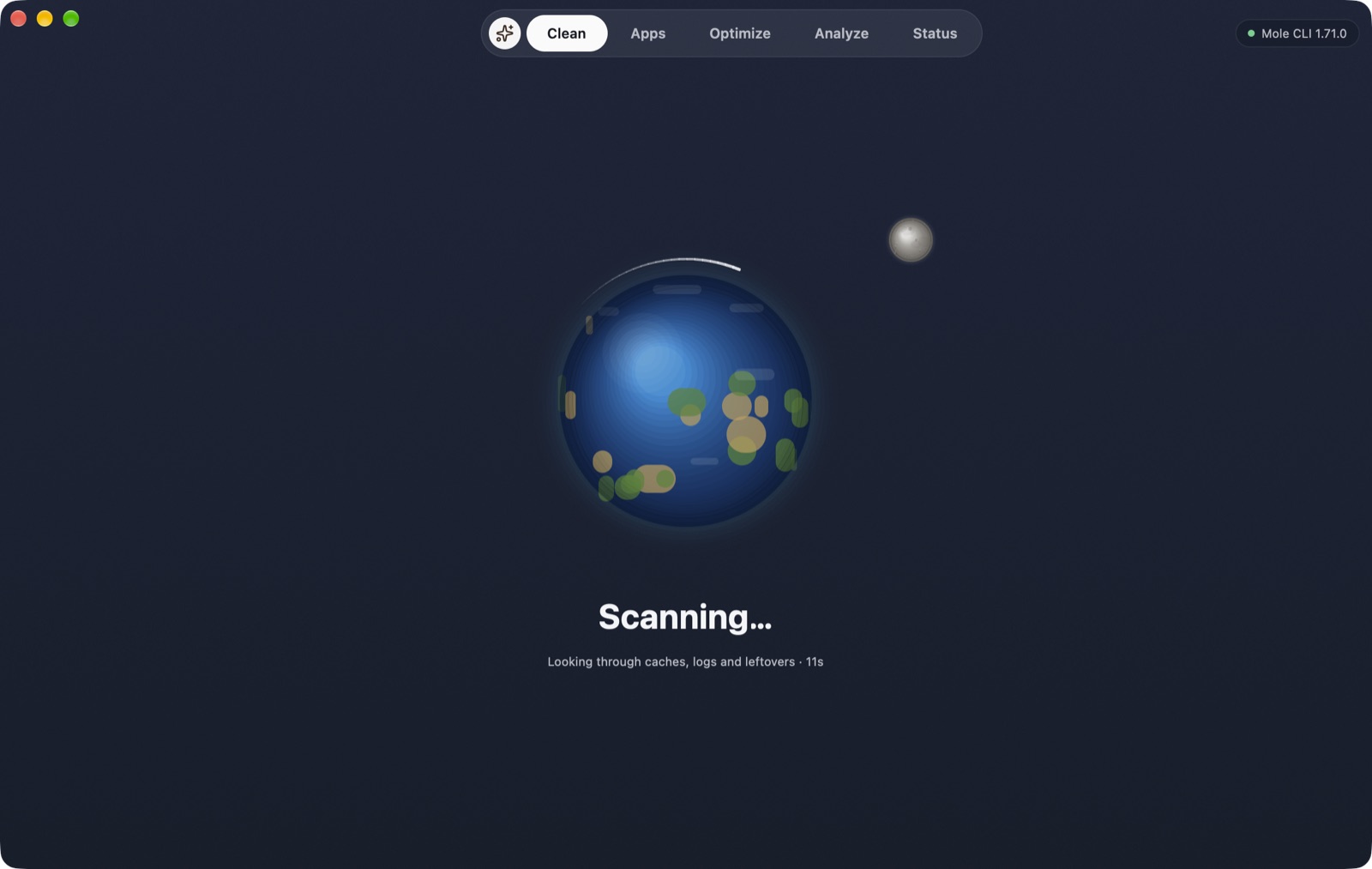
- 2ScanPress Scan. A planet spins while ZaynCleaner measures caches, leftovers and large folders.
- 3Review and cleanUntick anything you want to keep, then clean. Only items the scan found, and that pass the safety check, are removed.
Opening it the first time
This early build isn't notarized by Apple yet, so macOS blocks it the first time. Open it once, then go to System Settings → Privacy & Security and choose Open Anyway. After that it opens normally.
SHA-256: a951c8b580966c01276f59e8f0e90697bc9f2d76a608bf66714339aab2e92140